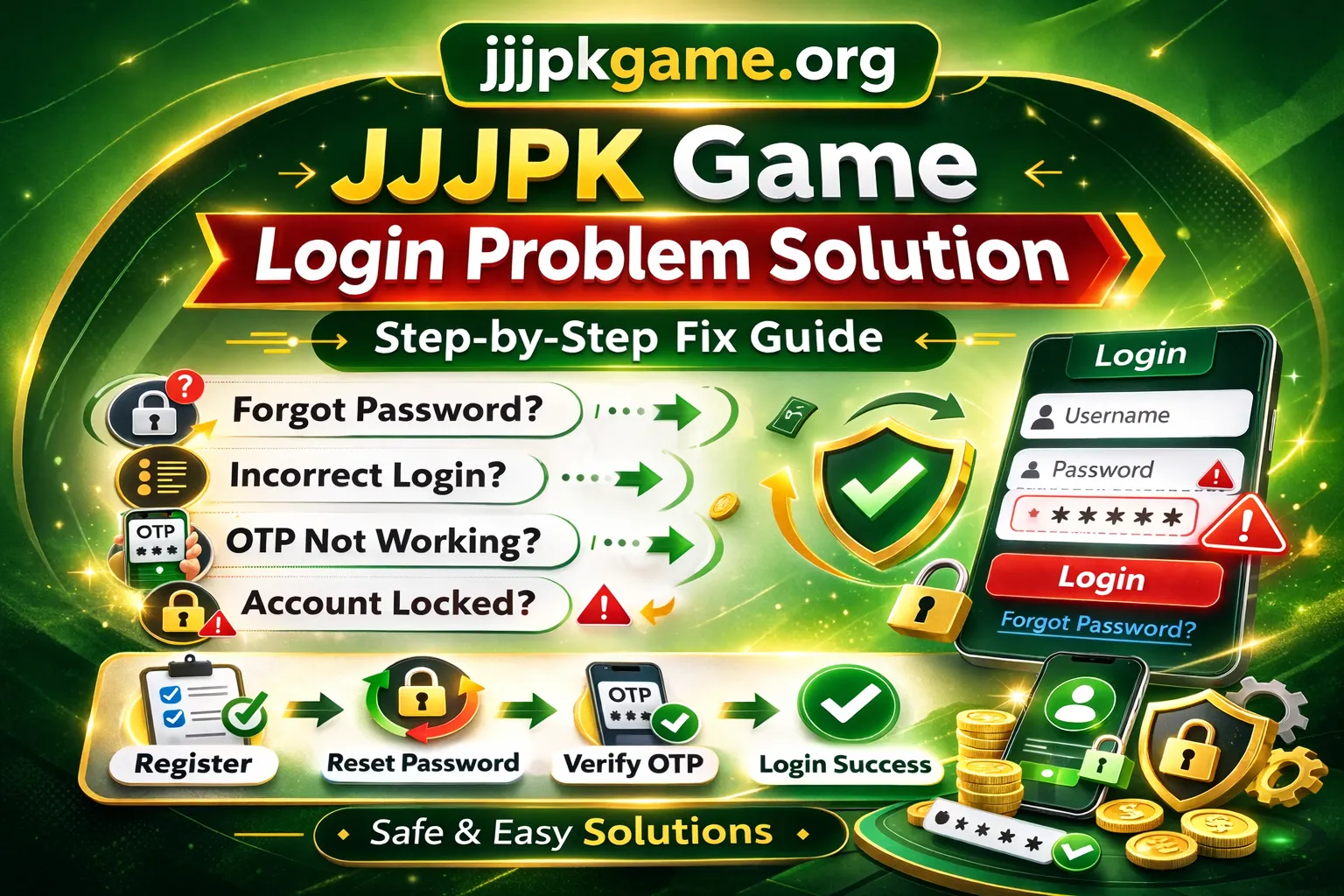
If you are facing a JJJ PK Game login problem, you are not alone. Many users experience login errors due to incorrect passwords, account verification issues, or technical glitches.
In this guide, we explain the most common login problems and provide simple step-by-step solutions to help you regain access safely.
If you are a new user, you may first want to read our complete registration guide to ensure your account was created correctly. Read our main guide: [Complete JJJPK Game Guide for Pakistan Users].
Common JJJ PK Game Login Problems
Users usually face one of the following:
- Incorrect username or password
- Forgotten password
- Account temporarily locked
- OTP verification failure
- App not loading
- Server error message
Let’s fix them one by one.
Incorrect Username or Password
This is the most common issue.
How to Fix:
- Check if Caps Lock is on
- Ensure there are no extra spaces
- Try retyping manually instead of auto-fill
- Confirm you are using the correct registered username
If you still cannot access your account, proceed to password reset.
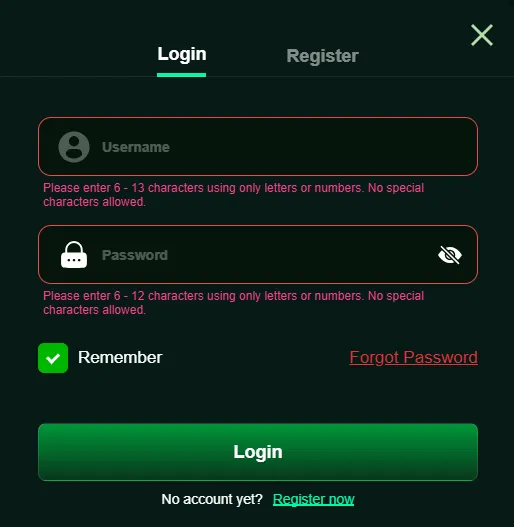
Forgot Password – How to Reset
If you forgot your password:
Step-by-Step:
- Tap on “Forgot Password”
- Enter your registered mobile number
- Complete OTP verification
- Set a new secure password
- Choose a strong password with letters and numbers.
If you are still unable to reset, your account may not have been fully verified during registration. In that case, check our registration guide to ensure all steps were completed properly.
OTP Not Received
Sometimes users do not receive verification codes.
Possible Reasons:
- Weak mobile signal
- DND service active
- Incorrect mobile number entered
Solutions:
- Wait 1–2 minutes
- Restart your phone
- Request OTP again
- Ensure you entered the correct registered number
Never share your OTP with anyone.
Account Locked or Suspended
An account may be temporarily locked due to:
- Multiple wrong password attempts
- Suspicious activity
- Incomplete verification
What to Do:
- Wait for system unlock (if temporary)
- Contact official in-app support
- Verify your account details
Always use your own personal information when registering to avoid future login issues.
App Not Opening or Crashing
If the app does not load:
Try This:
- Clear app cache
- Update to latest version
- Reinstall the application
- Check internet connection
If you haven’t installed correctly, see our installation guide for proper steps.
Important Security Tips When Logging In
- Never share your password
- Do not use public WiFi for login
- Avoid third-party login links
- Always download from trusted sources
- Enable device lock protection
Staying safe protects your account access.
After Successful Login – What Next?
Once logged in, users usually:
- Complete profile verification
- Explore available features
- Manage wallet section
If you plan to add funds, read our detailed guide on how to deposit via JazzCash and Easypaisa safely before proceeding.
Understanding the deposit process helps avoid transaction mistakes.
Frequently Asked Questions About JJJ PK Game Login:
Why does JJJPK Game say invalid credentials? It usually means incorrect username or password.
How long does account lock last? Temporary locks may resolve automatically. Contact support if permanent.
Can I change my registered mobile number? This depends on platform policy. Check official support options.
Is login safe? Login security depends on using correct credentials and protecting your OTP and password.
Note: jjjpkgame.org is an independent informational website and is not affiliated with, endorsed by, or officially connected to the developers or owners of JJJPK Game. All trademarks belong to their respective owners.